Server boosts · Guide
Discord Server Level 3: How to Get 14 Boosts for Less
Level 3 needs 14 active server boosts. The cheapest plan for your server starts with what you already have: count the boosts currently active, then cover only the gap for as long as you need the perks.

1. Check how many boosts your server already has
Open your server's boost status in Discord and look at the active boost count. Friends or members may already be contributing boosts. Subtract that count from 14 before shopping. For example, a server with 6 active boosts needs 8 more to reach Level 3.
| Active now | Still needed | BoostNow one month packages |
|---|---|---|
| 0 | 14 | $9 for 14 boosts |
| 6 | 8 | $5 for 8 boosts |
| 12 | 2 | $2 for 2 boosts |
Prices above are listed package prices. Current price and availability are checked at checkout.
2. Match the duration to your plans
Is Level 3 for a launch or tournament, or do you want the perks through a longer campaign? BoostNow shows packages for one month and three months. Compare the full cost over the same period rather than comparing one month's price with a longer package's total.
Boosts must remain active to keep the level. If existing members move their boosts away, your count can fall below 14. Check the package's duration and replacement terms separately; a longer duration does not necessarily mean a longer replacement window.
3. Review the actual package before ordering
Choose the quantity that covers your gap, check the required server details, and review the final total. A boost order should not ask for your Discord password, account token, or login code. No outside seller can guarantee protection against changes to Discord's rules or enforcement.
Choose a BoostNow package and check out as a guest. Review the duration, delivery details, and current availability before paying.
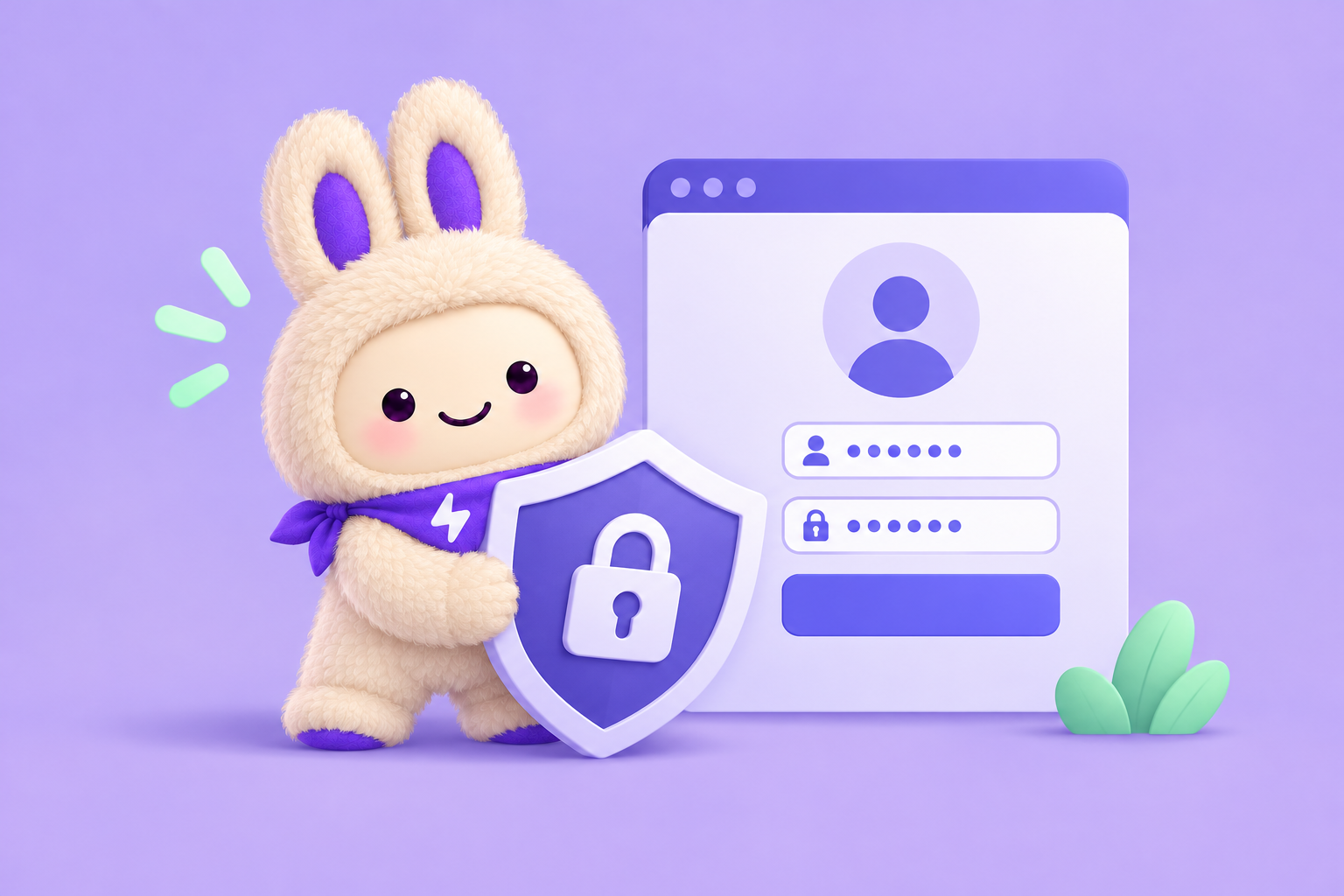
Keep your Discord login private. A server boost order does not require your password, token, or login code.
Plan your Level 3 upgrade
Check your current boost count, then explore the package size and duration that fit your server.
Compare boost pricesFor the latest boost requirements and perks, check Discord's Server Boosting FAQ. BoostNow is not affiliated with Discord.
 Open Gmail